
Leveraging the Link API for growth
Link API comes with a simple user flow and a rich set of functionalities
Aklamio’s Link API is designed to make referral programs easier to launch, easier to scale, and easier for customers to use. It combines a simple user flow with a powerful set of functionalities, helping enterprises reduce friction while increasing referral participation.
At its core, the Link API enables you to generate unique referral links automatically for your users, without requiring them to manually create or configure anything.
How the Link API works
Simple user identification:
In Aklamio, a user is identified only by their email address. This keeps integration lightweight and avoids unnecessary complexity during onboarding or referral activation.
Promotion-based referral links:
Each generated referral link is assigned to a specific promotion, identified by a unique promotion ID (UID). This ensures referrals are always tracked within the correct campaign, ruleset, and reward logic.
Automatic user signup & communication:
When the Link API endpoint is called:
- The user is automatically signed up
- Transactional emails are triggered (fully customizable)
- The referral link is generated and assigned instantly
Several parameters can be configured as part of the API call, including:
- Reward receiver (referrer, referee, or both)
- Target URL (where referred users land)
- Product ID (for campaign or product-level tracking)
This flexibility allows the Link API to support a wide range of referral and incentive use cases.
Why the Link API shortens the user journey 🕑
One of the biggest advantages of the Link API is how much it reduces friction for referrers.
With the Link API:
- Users passively receive a ready-to-share referral link
- Only two steps are required: receive the link → share it
By contrast, traditional front-end link generation flows often require five or more steps:
- User clicks a referral entry point
- Lands on a referral portal
- Enters their email address
- Manually generates a referral link
- Copies and shares the link
By removing these steps, the Link API significantly improves usability, and in turn, increases referral participation and conversion rates.
Use Cases
The generated referral link can be added directly into a preferred location within the customer journey, depending on how and where you want to activate referrals.
Because the link is generated server-side via API, it can be reused across multiple touchpoints and channels, including:
Customer-facing touchpoints
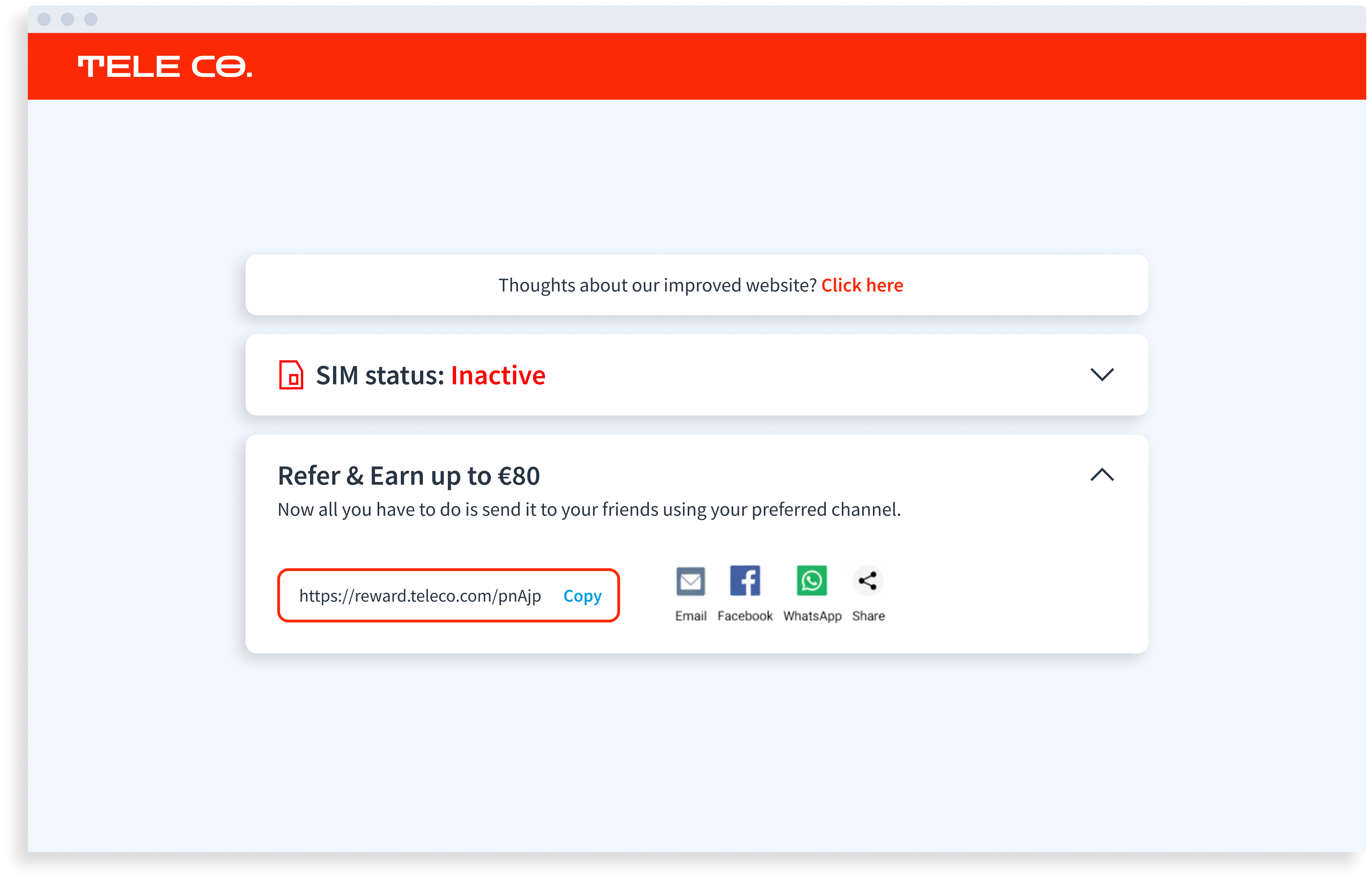
- Customer account or dashboard
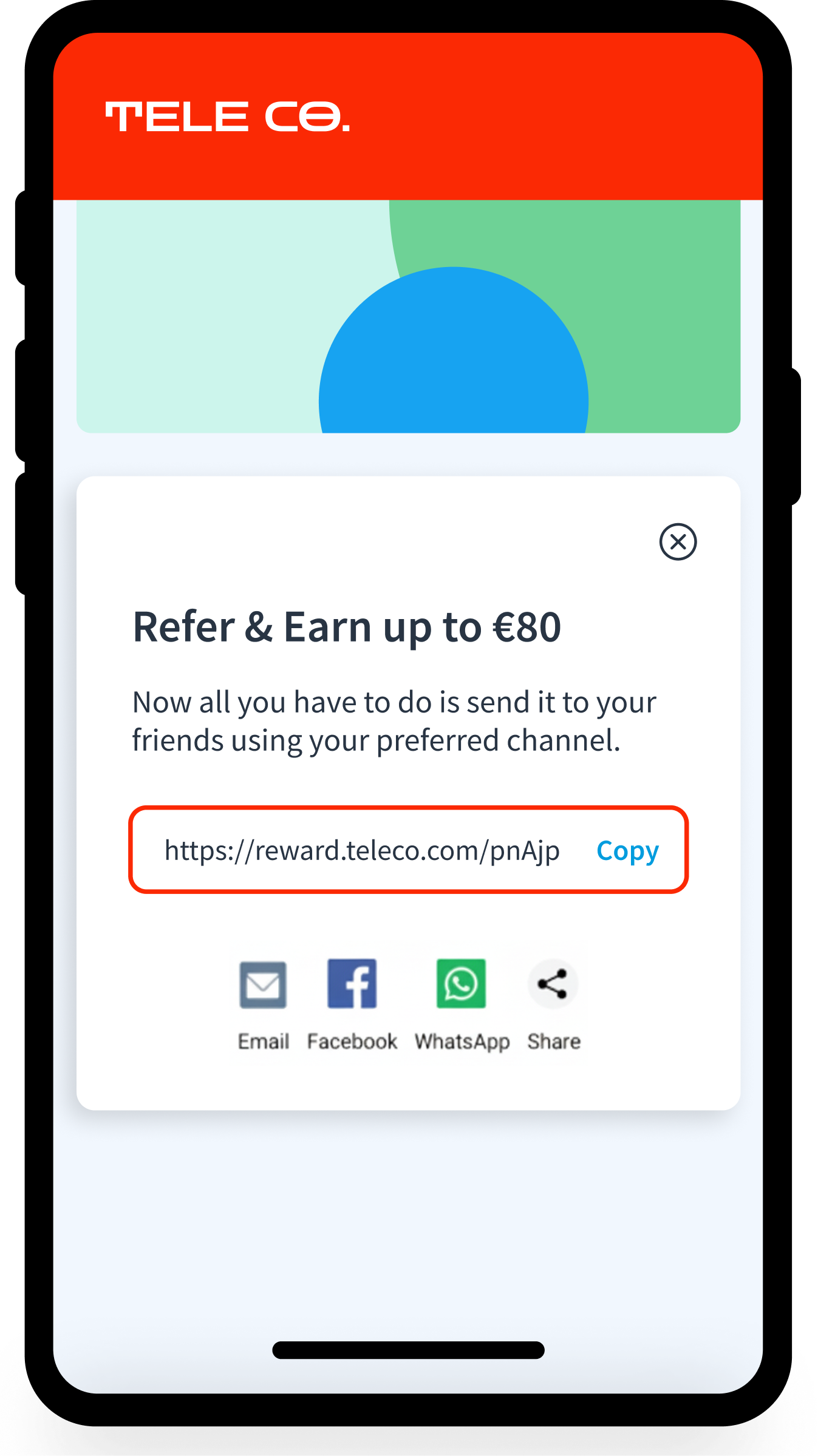
Display the referral link directly in the customer area, making it always available for sharing. - Mobile app
Add the referral link in-app, for example in a “Refer a friend” or “Rewards” section. - Loyalty or rewards pages
Embed the link where customers already expect to see benefits and incentives. - Post-purchase or onboarding confirmation screens
Activate referrals at high-satisfaction moments, right after signup or purchase.
CRM-driven and outbound journeys
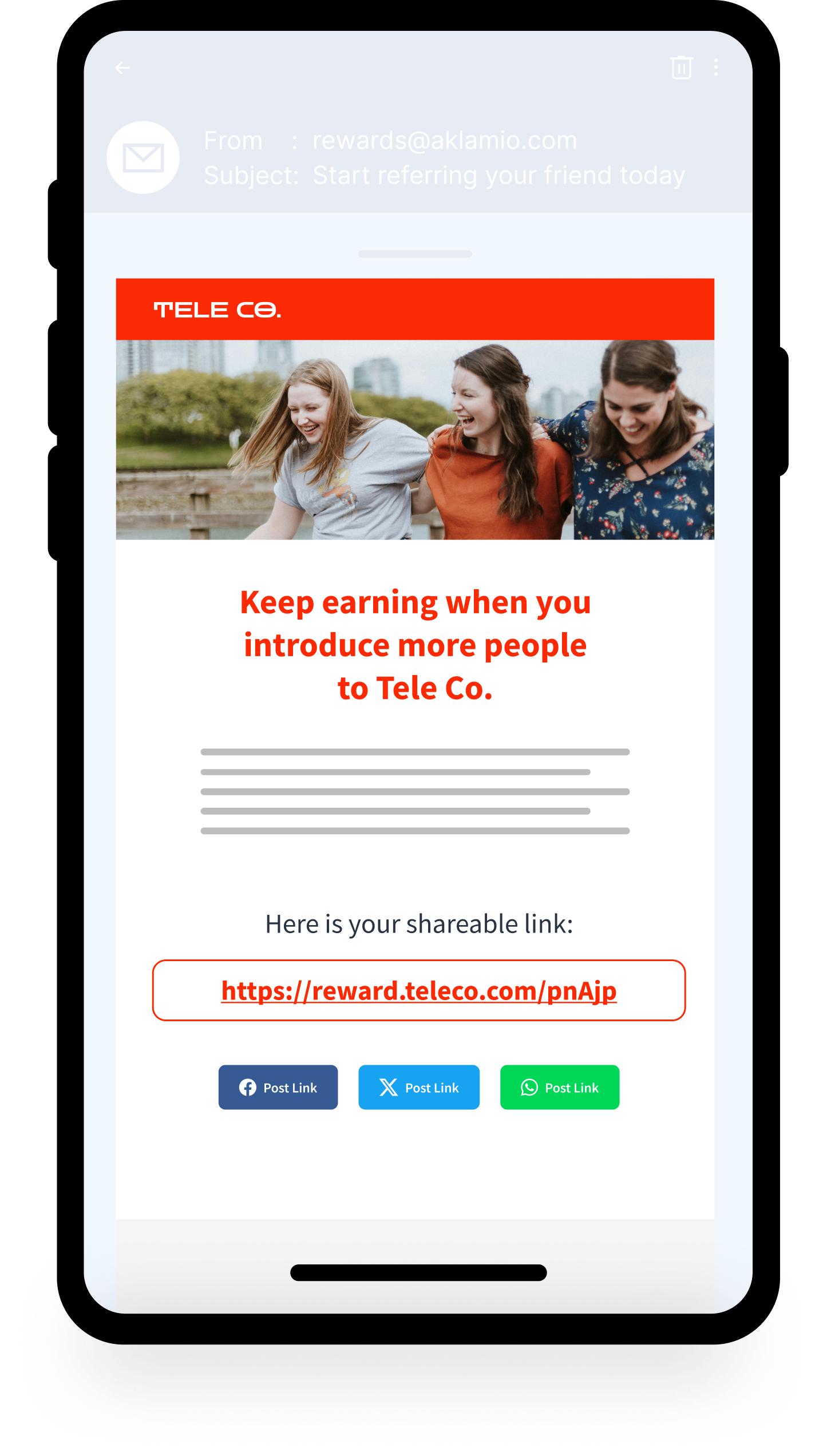
- Promotional emails and lifecycle messaging
Store the referral link in your CRM and add it dynamically into marketing emails, push notifications, or SMS campaigns. - Transactional communications
Reuse the same referral link in recurring touchpoints such as monthly invoices, billing emails, or account statements. - Customer service and sales journeys
Make the referral link available to agents (call center, sales, support) for sharing during interactions.
This flexibility allows you to activate referral programs consistently across web, app, CRM, and offline-triggered journeys, without forcing users through a dedicated referral flow.
Here are some examples:
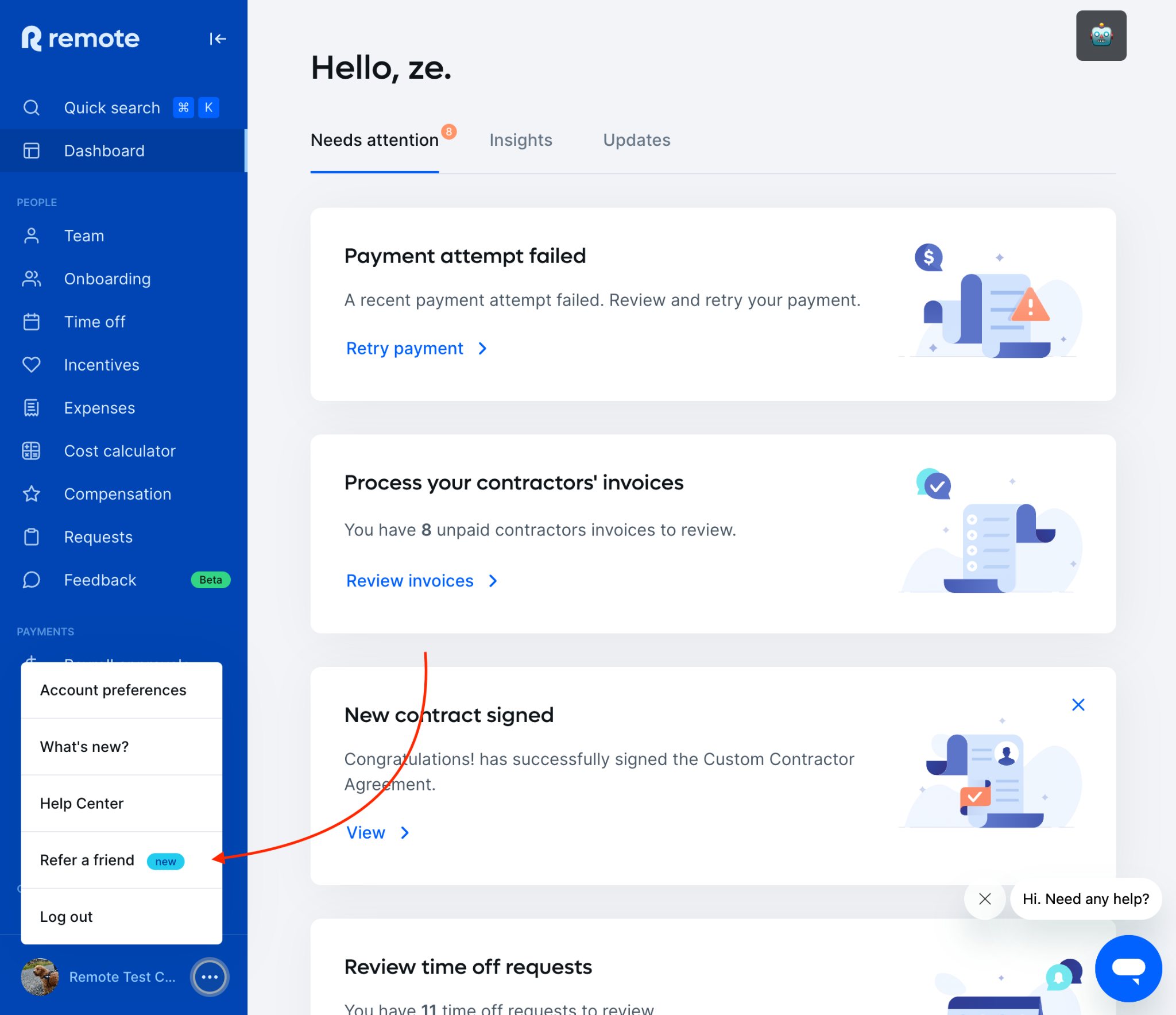
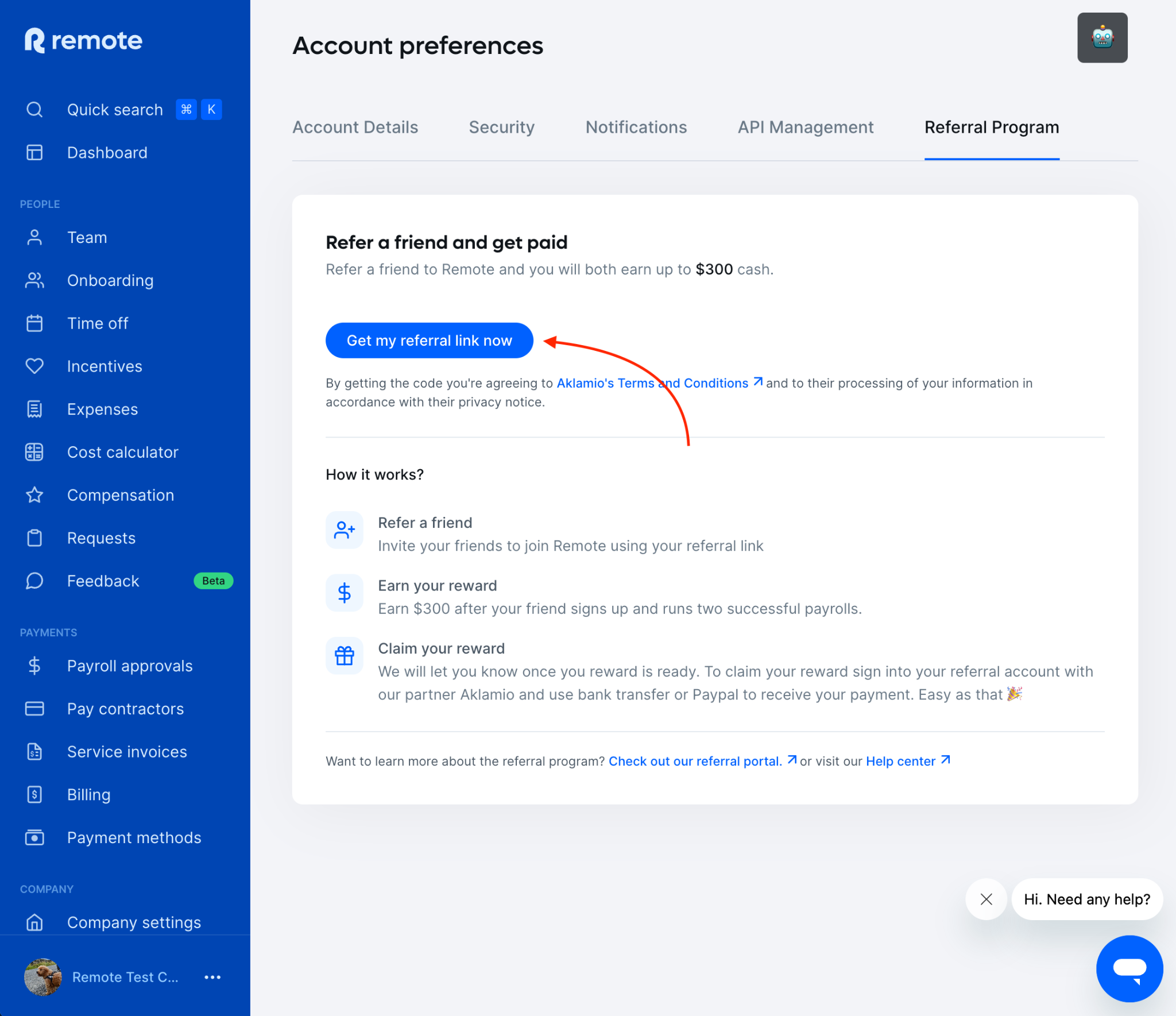
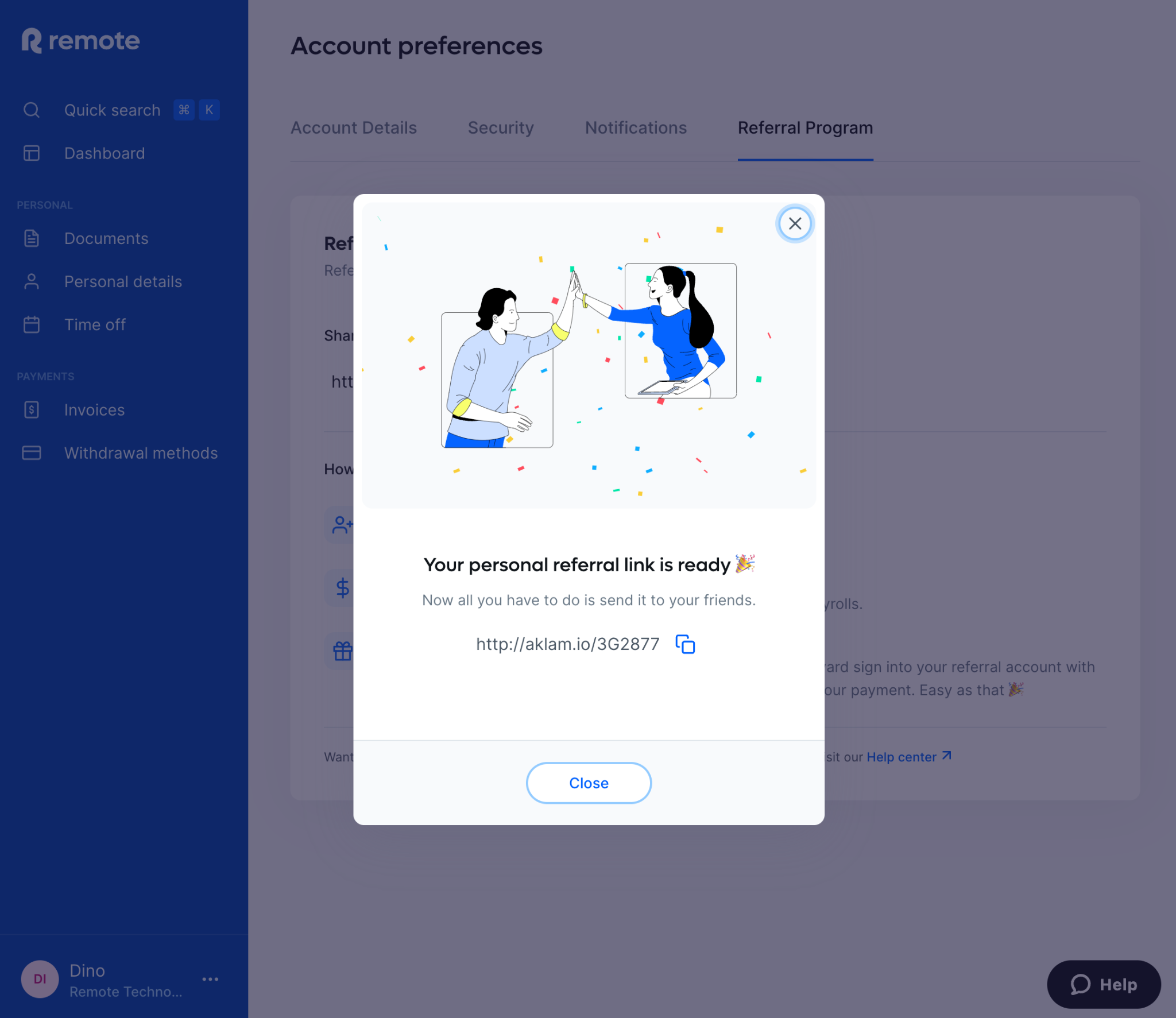
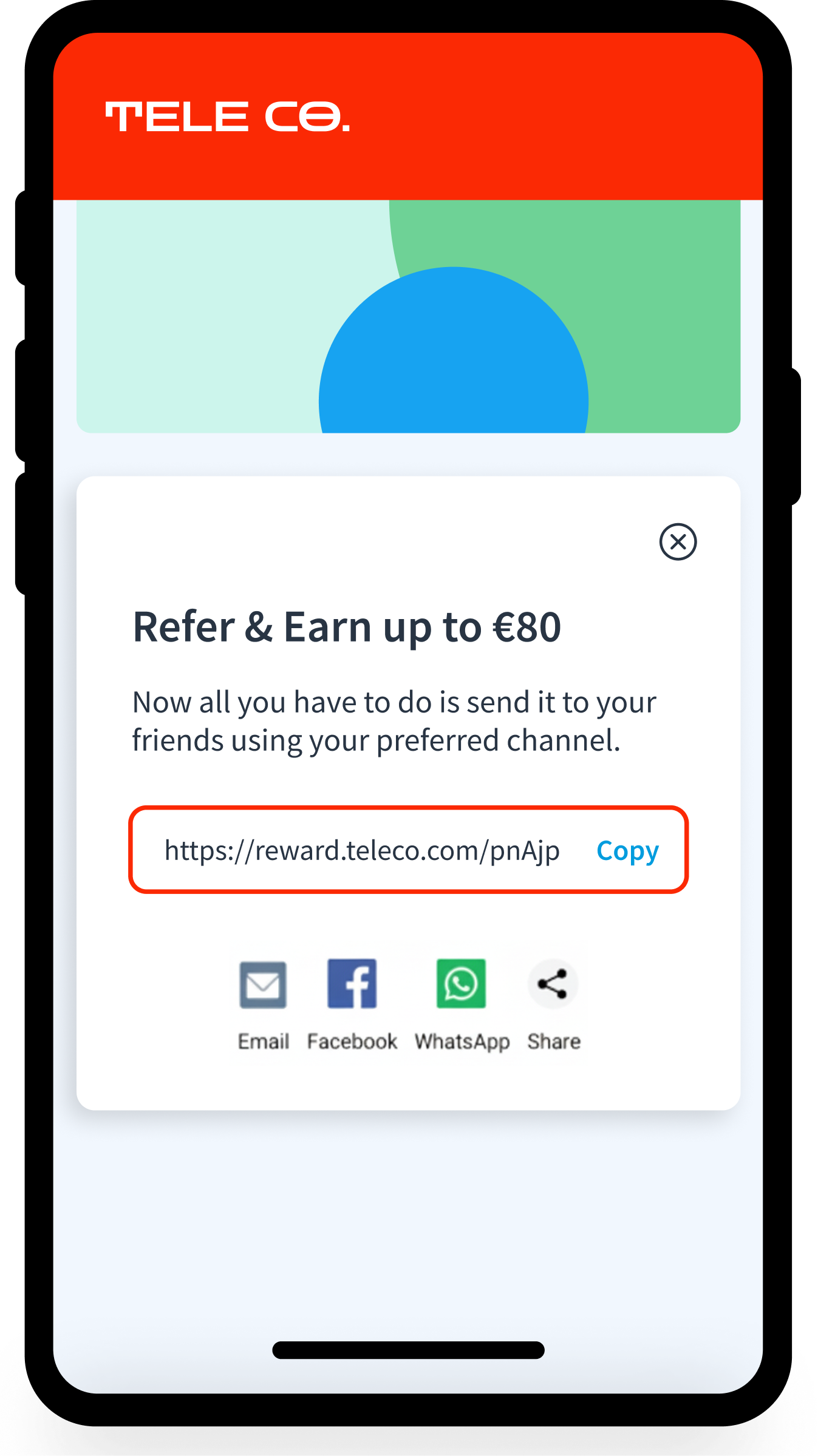
One-click In-App referrals
Referral links for logged in users
Emails with referral links
🛠️ Technical set-up
The Link Generation API allows you to generate unique referral links within any environment, while keeping full control over the frontend design and user experience.
This makes the Link API ideal for enterprises that want a low-friction referral experience without compromising on branding, tracking accuracy, or scalability.
The developer's guide is available here.
💡 Best Practices
Once the users clicks in the link they will be redirected to your WebSite Landing page marked with an AID we use the match user vs reward program
Important note: the customer consent is required for Link API
In order to have the link generation feature implemented, customer needs to agree on sharing data with Aklamio